Software · macOS · In development
FreedomDisk
See what is filling your disk, one ring at a time.
The app
What FreedomDisk is.
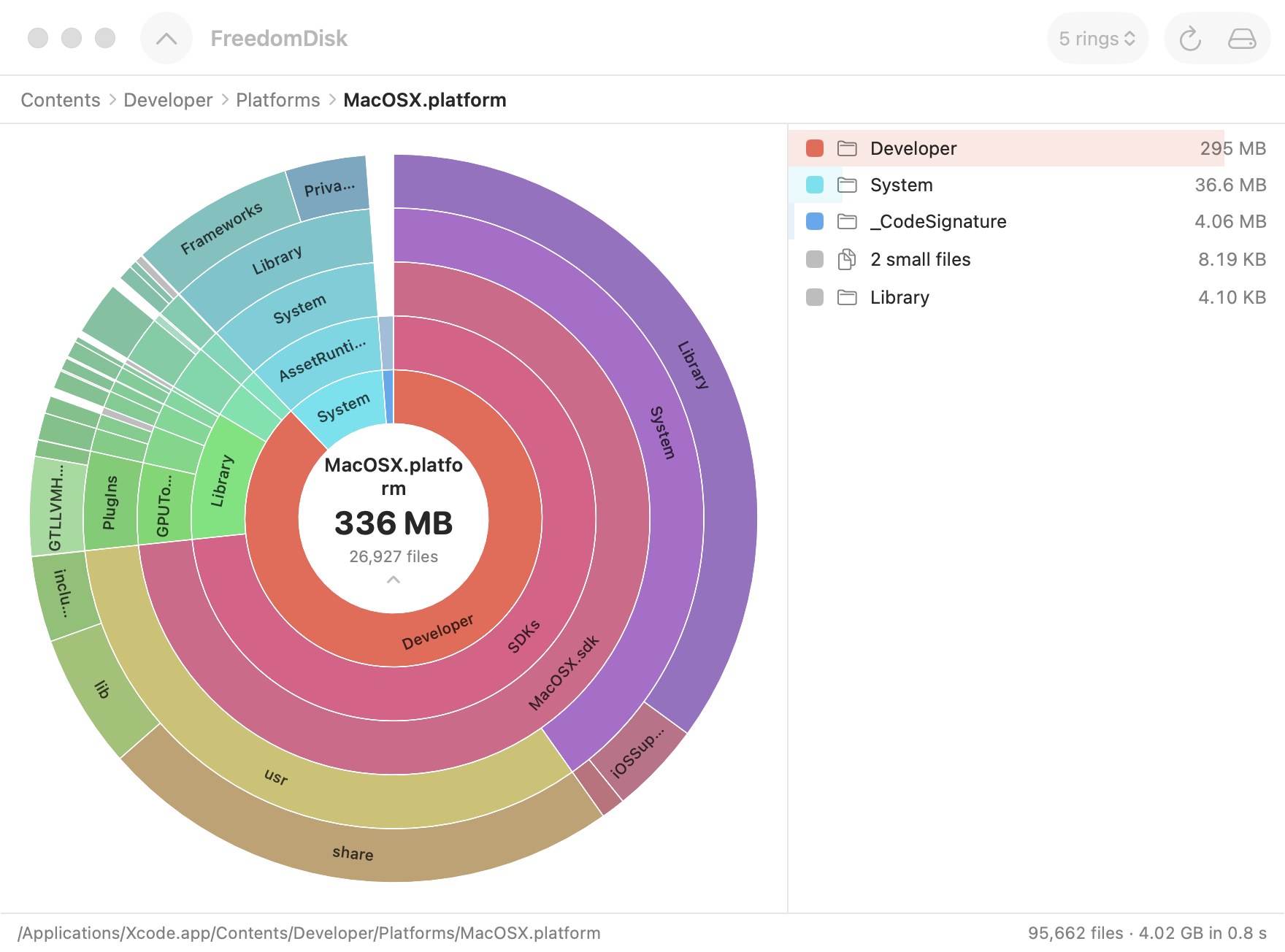
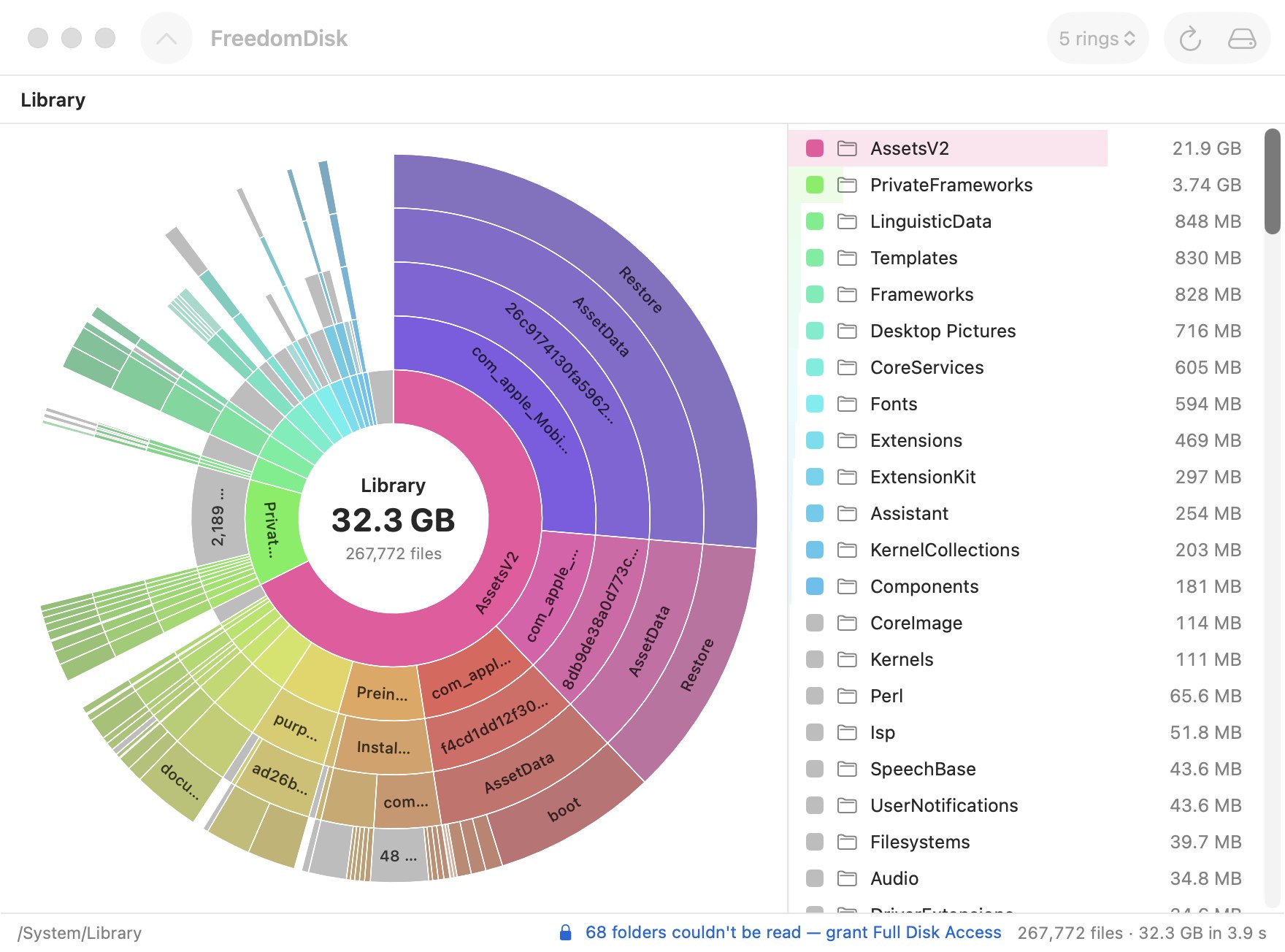
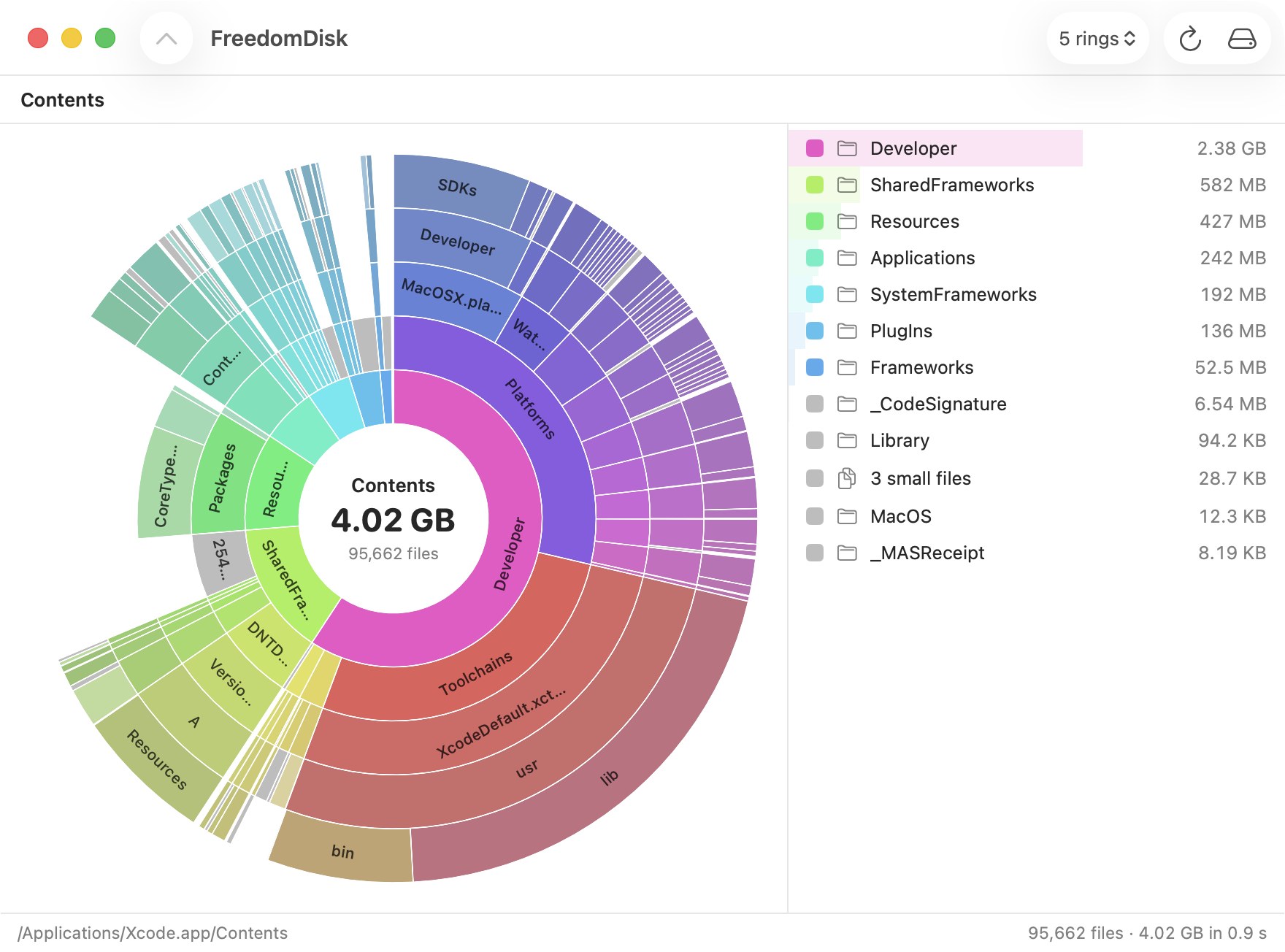
A map of where the space went. The centre is the folder you are in, each ring outward is one level deeper, and the wider the arc, the more room it takes. Hover to read a name and size, click a folder to zoom into it, click the centre to step back out. The chart fills in live while the scan runs. Native Swift, no Electron, and no network access at all.
- Measured, never estimated. Sizes are the bytes actually allocated on disk; hard links and APFS clones are counted once, and FreedomDisk tells you how much used space it was not allowed to see.
- Quick. On an M5 MacBook Air a 494 GB startup disk with 2.6 million files takes about two minutes; a 4 GB app bundle takes under a second.
- Scan a whole disk, your home folder, or any folder you pick. A size-sorted list sits beside the chart and breadcrumbs keep track of where you are.
Apple siliconmacOS 14+Native SwiftAbout 1 MB
Screens
FreedomDisk, as it runs today.